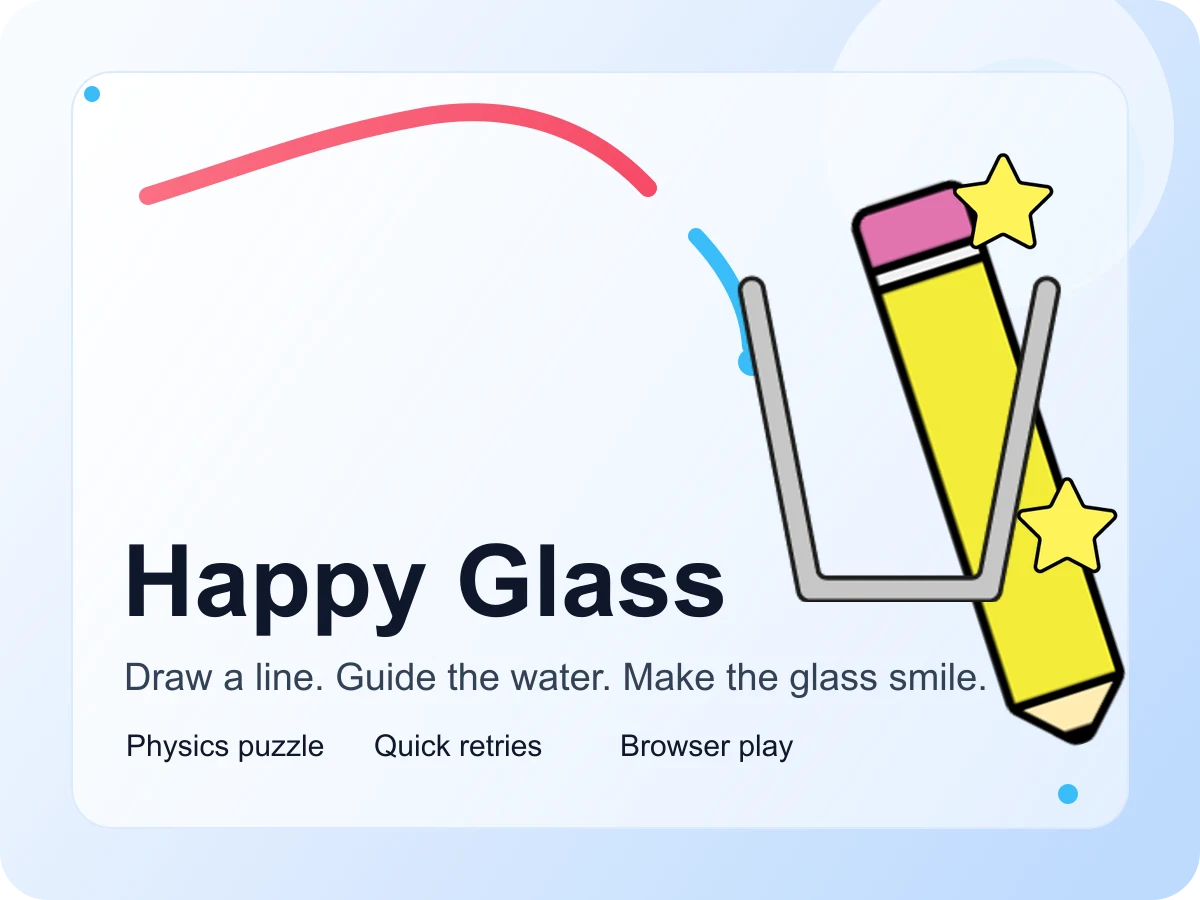
Play Happy Glass
Download guide

Download Happy Glass on iPhone or Android, or play it in your browser.

Use the official App Store and Google Play listings if you want the native mobile app. Prefer the fastest route? Open Happy Glass on Play Happy Glass and start drawing immediately with no install.

Store details below are summarized from the public App Store and Google Play listings. Availability and requirements can vary by region and may change over time.

Happy Glass preview
Target line
Play options
Browser now, store app later if you want it.
Fast path
No install

Open the browser build and start in seconds.

Mobile path
Official stores

Use the public iOS or Android listing if you want the app.

Controls
Mouse + touch

Desktop precision or phone-friendly drawing both work well.

Pick your route

Choose the version that fits your session.

Browser first

Fastest way to start

If you want the quickest route, open Happy Glass on this site and begin immediately with mouse or touch controls.

  • No install step
  • Works on desktop and mobile
  • Best for quick sessions and retries

Mobile app

Use the native store version

If you prefer a store-managed app on your phone or tablet, use the App Store or Google Play links above.

  • Official store package
  • Native mobile install flow
  • Ads and in-app purchases may appear

Why it works

The appeal is still the same whether you play on web or app.

Draw one smart line

The core loop stays simple across web and mobile: sketch a path, release the water, and read the result quickly.

Short levels, quick retries

Happy Glass works best in short bursts, so the browser version and the app both feel good for quick puzzle breaks.

Mouse, touch, or trackpad

Desktop gives tighter line control, while touch feels natural when you want to play directly on your phone.

How to download

  • Open the App Store card above for iPhone or iPad.
  • Open the Google Play card above for Android.
  • Install Happy Glass from the public listing, then launch it from your device.

How to play online

  • Open the browser play card above or go straight to the Happy Glass game page.
  • Tap or click Play to load the embedded build.
  • Draw a line, guide the water, and restart fast when you want to test a new route.

Compatibility

  • The browser version works in current desktop and mobile browsers.
  • The iOS listing supports iPhone and iPad.
  • The Android listing is designed for modern Android phones and tablets.

Good to know

  • External store links open in a new tab.
  • Browser sessions on this site should be treated separately from the mobile apps.
  • Store availability, ratings, and requirements can vary by region and over time.

FAQ

Common download and browser questions.

Do I need to download Happy Glass to play on this site?
No. The version on Play Happy Glass runs in your browser, so you can start without installing anything.
Are the mobile links on this page official?
Yes. They point to the public Happy Glass listings on the Apple App Store and Google Play.
Should I choose the browser version or the app?
Use the browser version if you want the fastest start. Use the mobile app if you want the native store install on your phone or tablet.
Does browser progress sync with the mobile apps?
Treat the browser version on this site and the mobile store apps as separate play sessions.
Can I play Happy Glass on mobile without installing the app?
Yes. The browser version on this site also works on modern mobile browsers.

Play online

No download required if you just want to solve a few levels right now.

The browser version is still the quickest way to jump into Happy Glass on this site, especially if you are comparing routes, testing ideas, or squeezing in a short puzzle break.

Play Happy Glass now